Free Indian Passport Size Photo Maker
For an ordinary adult fresh/reissue application in India, your photo and biometrics are captured at the PSK/POPSK — there is no photo upload or print to carry. Use the India preset for the 35×45 mm white-background print required for a child below four, overseas guidance when your mission requests it, or choose another country's preset. Processing stays in your browser.
Drop a photo, or click to browse
A clear, front-facing photo works best
JPG · PNG · HEIC · processed on your device, never uploaded
- Country-specific requirements with linked sources
- 100% private — nothing is uploaded
- Free — no sign-up required
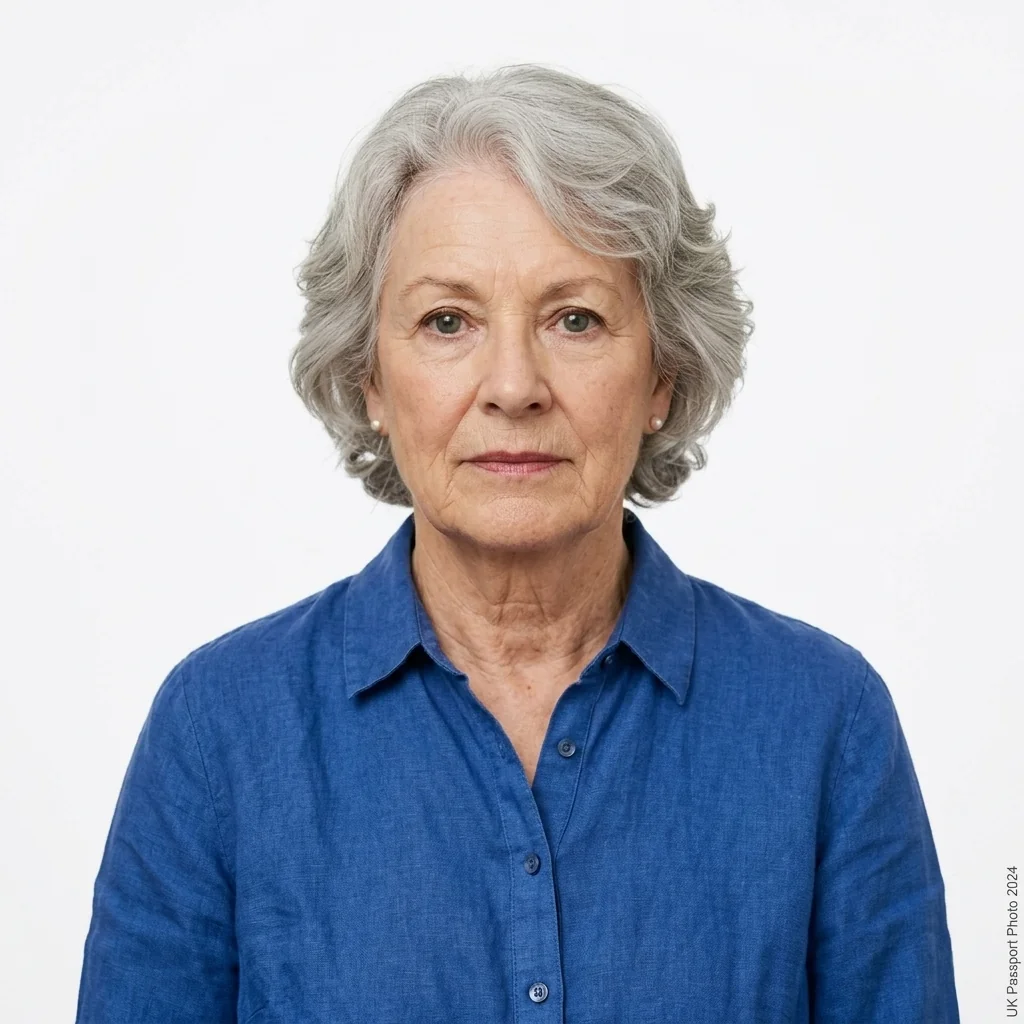
Passport photo size by country
India
35×45 mm
United States
51×51 mm
Canada
35×45 mm
United Kingdom
35×45 mm
More countries
 Australia
 Schengen Visa
 Germany
 France
 Italy
Italy Netherlands
 Ireland
 UAE
UAE Saudi Arabia
 Bahrain
 Kuwait
 Qatar
Qatar Oman
Oman Pakistan
 Nepal
Nepal Spain
Spain Portugal
 China
China Singapore
 New Zealand
 Japan
Japan Malaysia
Why people trust easyPhoto
Your photo never leaves your device
All processing runs in your browser. Nothing is uploaded or stored.
Published requirement sources
Specification pages link the named source where available and show when an entry needs review.
Automated photo checks
Head size, framing and resolution are checked against the spec before you download.
Free, no watermark
No sign-up, no payment, no watermark on your photo. Ever.
More free tools
Resize, compress, sign and convert — all on-device, no sign-up.
Frequently asked questions
What size is a passport photo?
Most countries use 35×45mm. The US and a few others use 2×2 inches (51×51mm). EasyPhoto sets the correct size automatically once you pick your country.
How do I make a passport photo at home for free?
Upload a clear, front-facing photo, choose your country, and download the prepared result. Check it against the linked current requirements before submitting. No app, no payment, no watermark.
Can I take a passport photo on my phone?
Yes. Any recent phone photo in even lighting works, and the tool crops and sizes it for you.
What background colour should a passport photo have?
White for the US and India. The UK accepts any plain light colour, white included, and some Schengen consulates ask for light grey specifically. EasyPhoto applies a colour that suits each country and you can adjust it.
What is the correct head size in a passport photo?
It depends on the country. The US lists 25–35mm chin-to-crown, for instance, while other workflows differ. The tool sizes the head to the selected recorded band; inspect the result and confirm the current instructions before submitting.
Can I smile in a passport photo?
No. Keep a neutral expression with your mouth closed, which is what most countries require for biometric matching.
Can I wear glasses in a passport photo?
Generally no. The US has banned glasses since 2016 and most countries discourage them, so it's safest to take them off.
How many passport photos do I need?
Usually two for a printed application. The 4×6 inch print sheet gives you several copies on one sheet.
How do I make a baby or infant passport photo?
Lay the baby on a plain white sheet, take a top-down photo with the eyes open if you can, and upload it. The same sizing rules apply.
What can EasyPhoto check before I submit?
It prepares the selected dimensions and background, then reviews measurable image properties. It cannot predict acceptance; use the linked source and confirm the current application instructions before submitting.
Can I wear a head covering in a passport photo?
Only for religious or medical reasons, and your full face from chin to forehead must be clearly visible.
Is this passport photo maker really free with no watermark?
Yes. You get a full-quality download with no sign-up and no watermark.
Does my passport photo get uploaded or stored?
No. Everything is processed in your browser and discarded when you close the tab.
Can I make a US DV Lottery or green card photo?
The DV Lottery uses a stricter square spec (600×600, JPEG, under 240KB). Use the US page, then the resize tool to meet the file-size limit.
How do I print my passport photo?
Download the 4×6 inch PDF sheet and print it at any photo kiosk or chemist, then cut out the copies.
What's the difference between a passport photo and a visa photo?
The size is often similar, but background rules and exact specs differ, so use the visa photo maker for visa applications.
Do I upload a photo with an ordinary Passport Seva application?
No. For ordinary adult fresh/reissue applications in India, Passport Seva captures the photograph and biometrics at the PSK/POPSK. A child below four carries a recent 45×35 mm white-background print.
Where does India's 630×810 px passport-photo format apply?
The current ICAO guidance for Indian embassies and consulates abroad specifies 630×810 px for photograph capture or upload. It is not the ordinary domestic adult PSK/POPSK upload size. Follow the selected mission's instructions.
Can I use a phone photo for an Indian passport application?
An ordinary adult applicant is photographed at the PSK/POPSK. A phone image can be prepared for the below-four printed-photo exception or a separate overseas workflow, but it must follow that workflow's current composition and submission instructions.